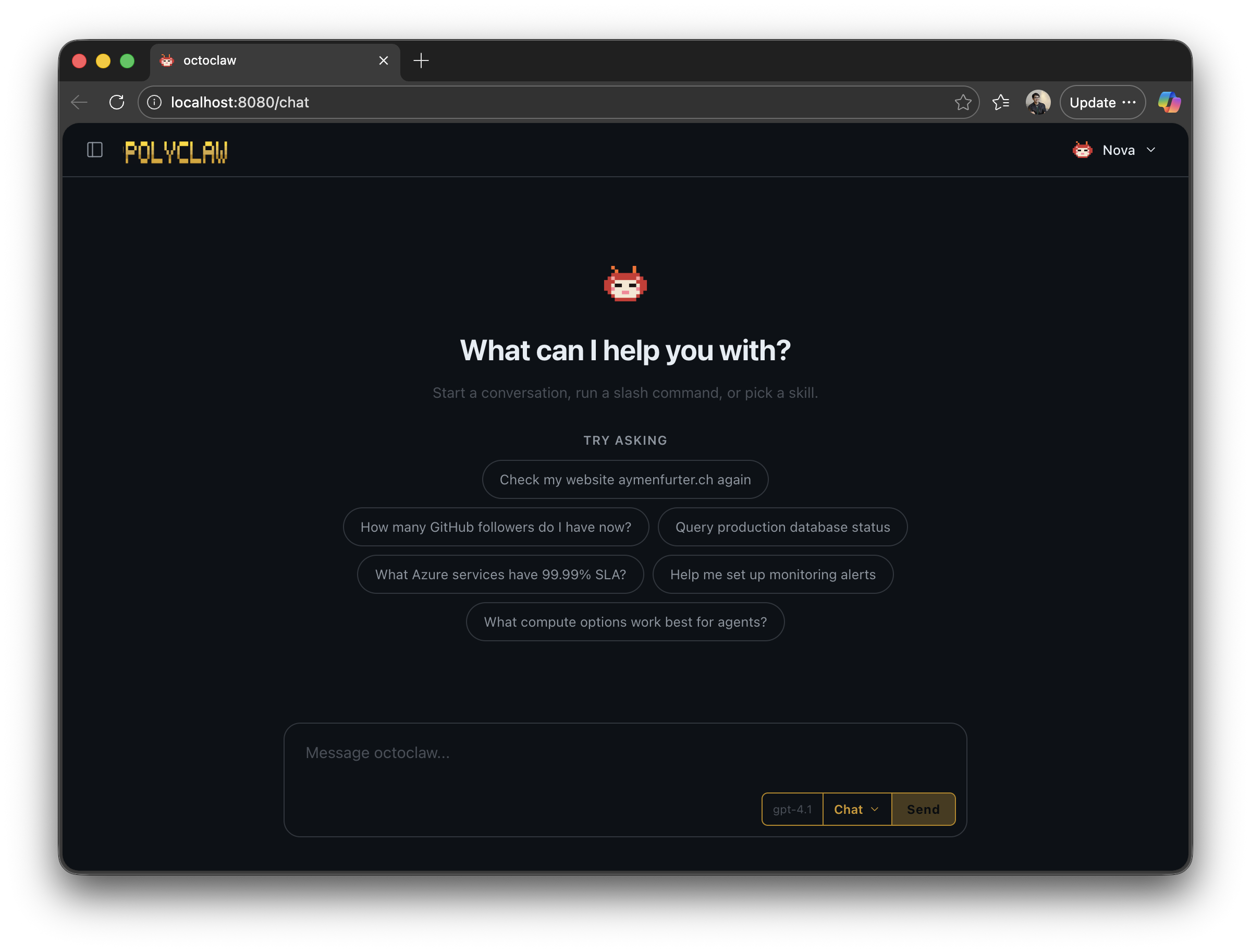
What if your AI assistant didn’t forget everything the moment you closed the tab? What if it could check on things while you sleep, text you on Telegram when something breaks, and — if it’s serious enough — call you on the phone?
These questions have been stuck in my head for months. Today’s consumer AI assistants are brilliant in the moment but fundamentally amnesiac. Every session starts from zero. No calendar, no persistent workspace, no way for the agent to reach out proactively. They are reactive, short-lived, and forgetful. I wanted to see what happens when you remove those constraints.
Polyclaw is the result. It is an autonomous AI copilot that remembers what you talked about last week, schedules its own work for tomorrow morning, and can literally pick up the phone when text isn’t enough.
Polyclaw is heavily inspired by OpenClaw — many of the core concepts around agent autonomy, persistent workspaces, and skill-based extensibility originate from that project. What I wanted to explore is what happens when you take those ideas and rebuild them to be Azure- and cloud-native from the ground up: GitHub Copilot SDK as the harness, Azure Container Apps for deployment, Entra ID for identity, Azure AI for guardrails, and Azure Communication Services for voice. Not a fork — a reimagination for the Microsoft ecosystem.
The project is open source on GitHub and built entirely on the GitHub Copilot SDK. Not a custom LLM framework. Not a bespoke prompt chaining library. Every single AI interaction — from interactive chat to background memory consolidation — runs through a precisely configured Copilot SDK session. This is what makes the architecture genuinely native to the Microsoft AI ecosystem, not just adjacent to it.
The Agent’s Outlook Calendar
Today’s production agents already plan ahead impressively. The days where you needed to hand-hold every step are over. Remember “please think step by step”? Give a modern agent a task like “simplify this codebase” and it will happily spend thirty minutes autonomously refactoring across multiple components. One prompt, a lot of work.
But there is a ceiling. Current agents plan within a single session. They do not plan across days or weeks. So I asked myself: what if the agent had its own Outlook calendar? What if it could decide to check on something tomorrow, run a recurring audit every Friday, or call you when a monitored service goes down?
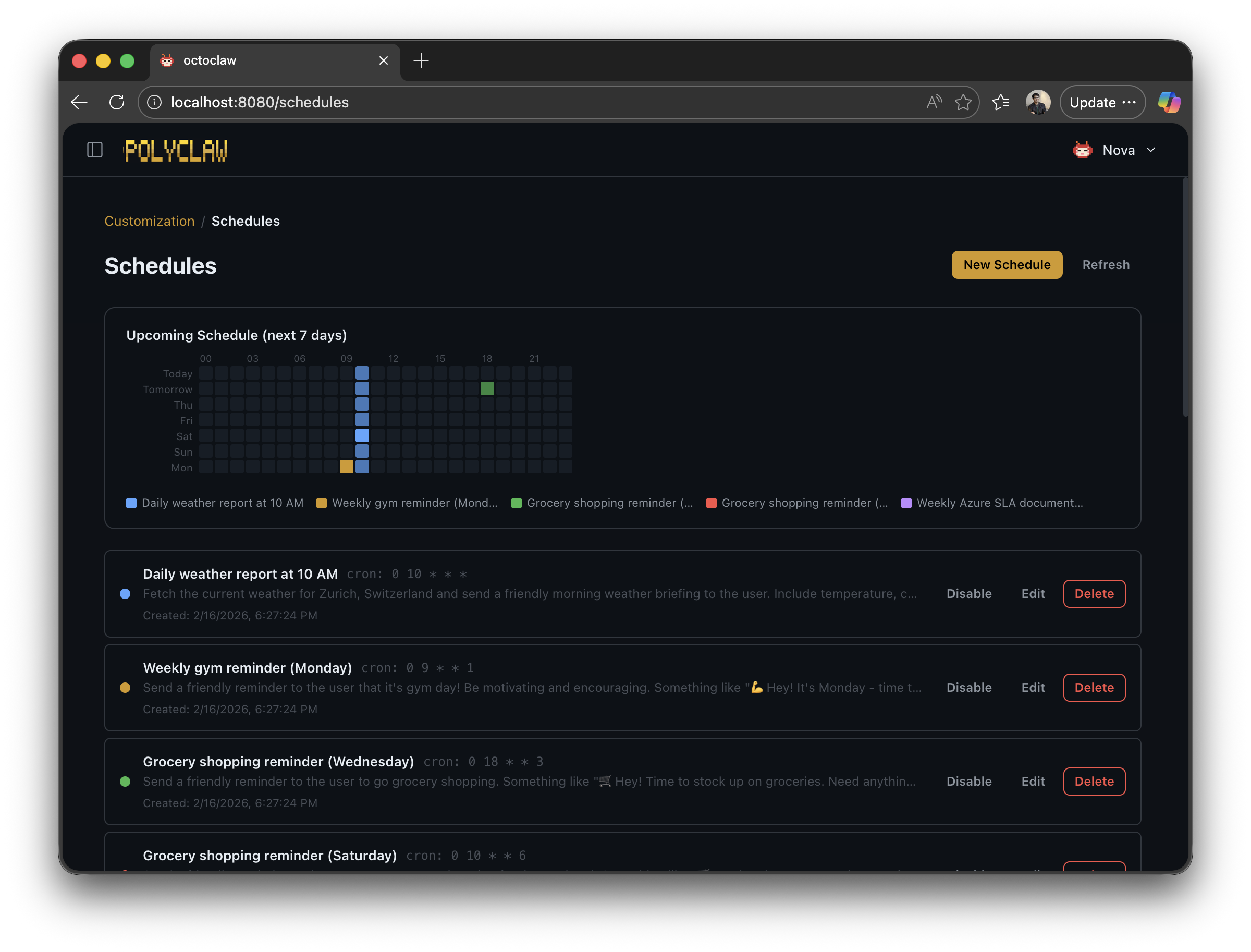
In Polyclaw, the scheduler is cron-based. The agent gets three tools: create a scheduled task, list what’s planned, and cancel a task. Simple primitives, but the use cases they unlock are enormous. Instead of relying on your memory to check whether some condition is met, the agent handles it.
Each scheduled task runs in a full Copilot SDK session with access to every tool the agent has — plugins, MCP servers, browser, terminal, everything. A scheduled prompt is not a static health check. It is a complete agent run that can chain actions together:
- “Every morning at 8, open the browser, check the status page of our production service, and if anything is degraded, open a GitHub issue with the details.”
- “Every Friday at 5 PM, query the project board via MCP, summarize what shipped this week, and post a digest to Telegram.”
- “Once a day, search for new CVEs affecting our dependencies and call me on the phone if anything is critical.”
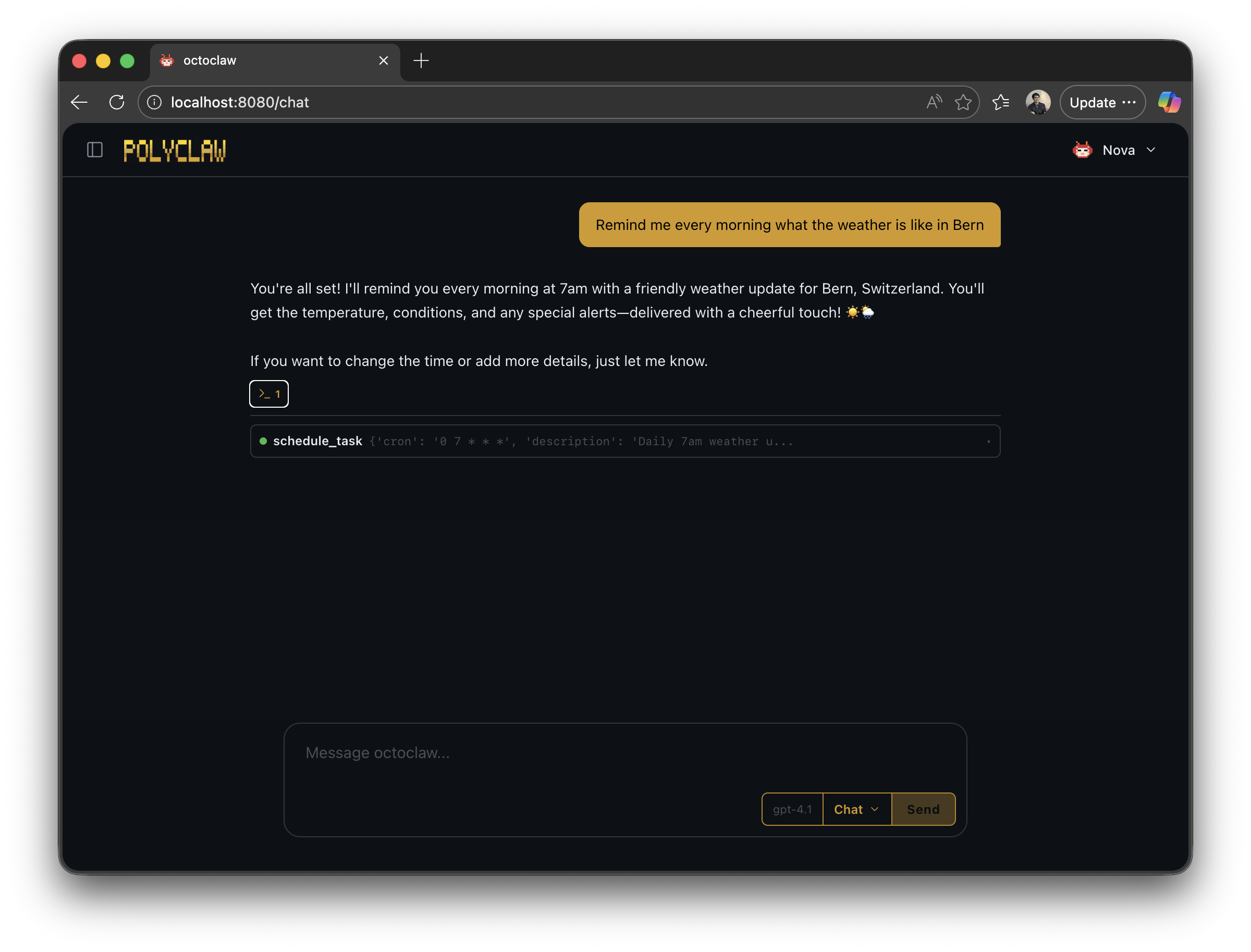
Because every session has the same capabilities — browsing, shell, MCP, GitHub, memory, phone calls — you can build arbitrary automation workflows just by describing them in plain language. No YAML pipelines, no DAGs, no deployment manifests. Just tell the agent what you need done and when.
The Agent’s Second Brain
Here is a frustration I know you share. Whenever a new protocol or framework ships that wasn’t in the model’s training data, you end up explaining it from scratch. Every. Single. Session. Having to re-teach a Large Language Model what a Model Context Protocol Server is — that is not a good use of anyone’s time.
Memory fixes this. And it turns out there is an elegant approach hiding in plain sight.
I personally follow a knowledge management system loosely inspired by Second Brain: create a daily markdown file, capture everything you learn, then periodically extract insights into dedicated topic files. It turns out this approach works beautifully for agents too.
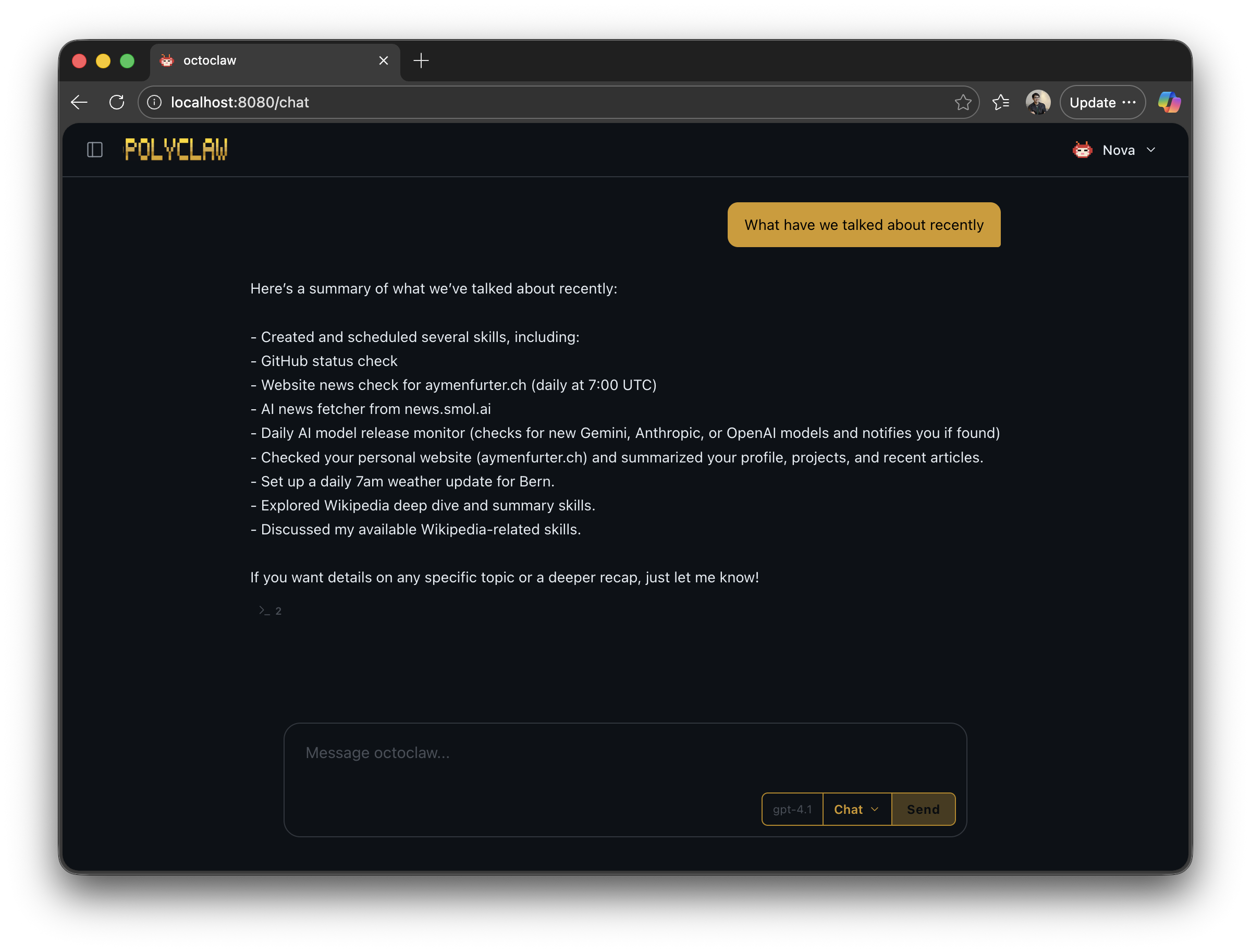
In Polyclaw, after a configurable period of inactivity (five minutes by default), a background agent automatically reviews the conversation. In a single LLM pass using a dedicated MEMORY_MODEL, it does several things at once:
- Appends a daily log entry to
memory/daily/YYYY-MM-DD.md - Creates or updates topic notes under
memory/topics/ - Updates the agent profile with the user’s emotional tone and preferences
- Increments skill usage counters for every skill used during the conversation
- Rewrites suggestion queries with contextually relevant follow-up questions
The memory directory grows organically over time:
~/.polyclaw/memory/
  daily/
    2026-02-23.md    # Today's log
    2026-02-22.md
  topics/
    project-alpha.md  # Topic-specific notes
    deployment.md
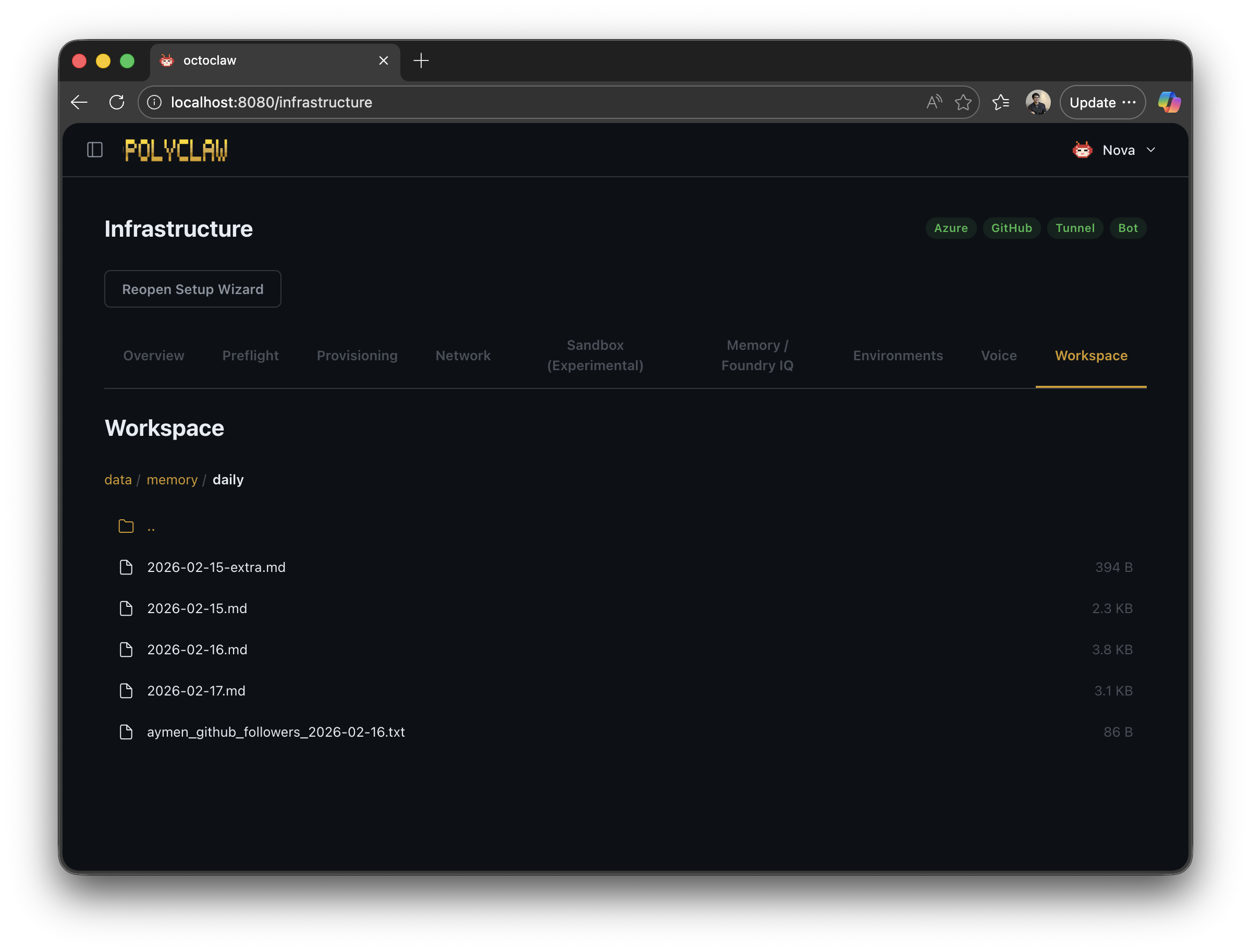
On top of this, there is the option to index memory files into Azure AI Search (Foundry IQ). This is optional but game-changing for agents that have been running for weeks — it lets the agent search by meaning, not just by recency.
And then there is one of my favorite features: proactive messages. During memory formation, the background agent also considers reaching out to you. If you asked a question and never followed up, it will message you and ask whether it’s still something you need help with. The agent reaches out to you — not the other way around.
The Agent’s OneDrive
We have all been trained to expect that AI conversations are disposable. Click “new session” in ChatGPT and everything vanishes. That is just how it works — or so we thought.
But coding agents broke that assumption years ago. They always had the repository. Code that grew with each task. And we quickly discovered that giving agents more persistent context — a project spec, a task plan, behavioral instructions — dramatically improved results. If the agent writes a plan in a markdown file that it can reference later, that plan becomes guardrails for future behavior.
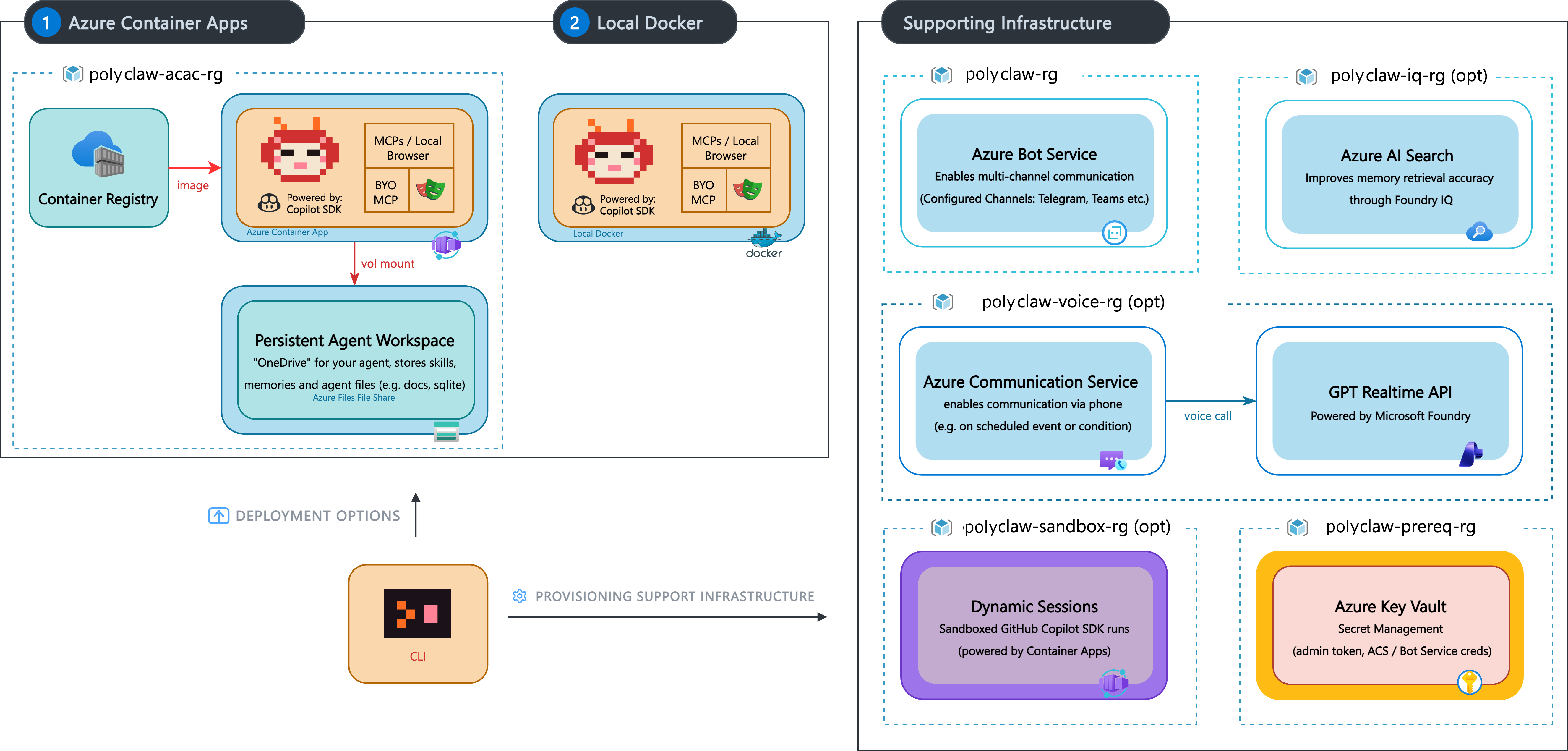
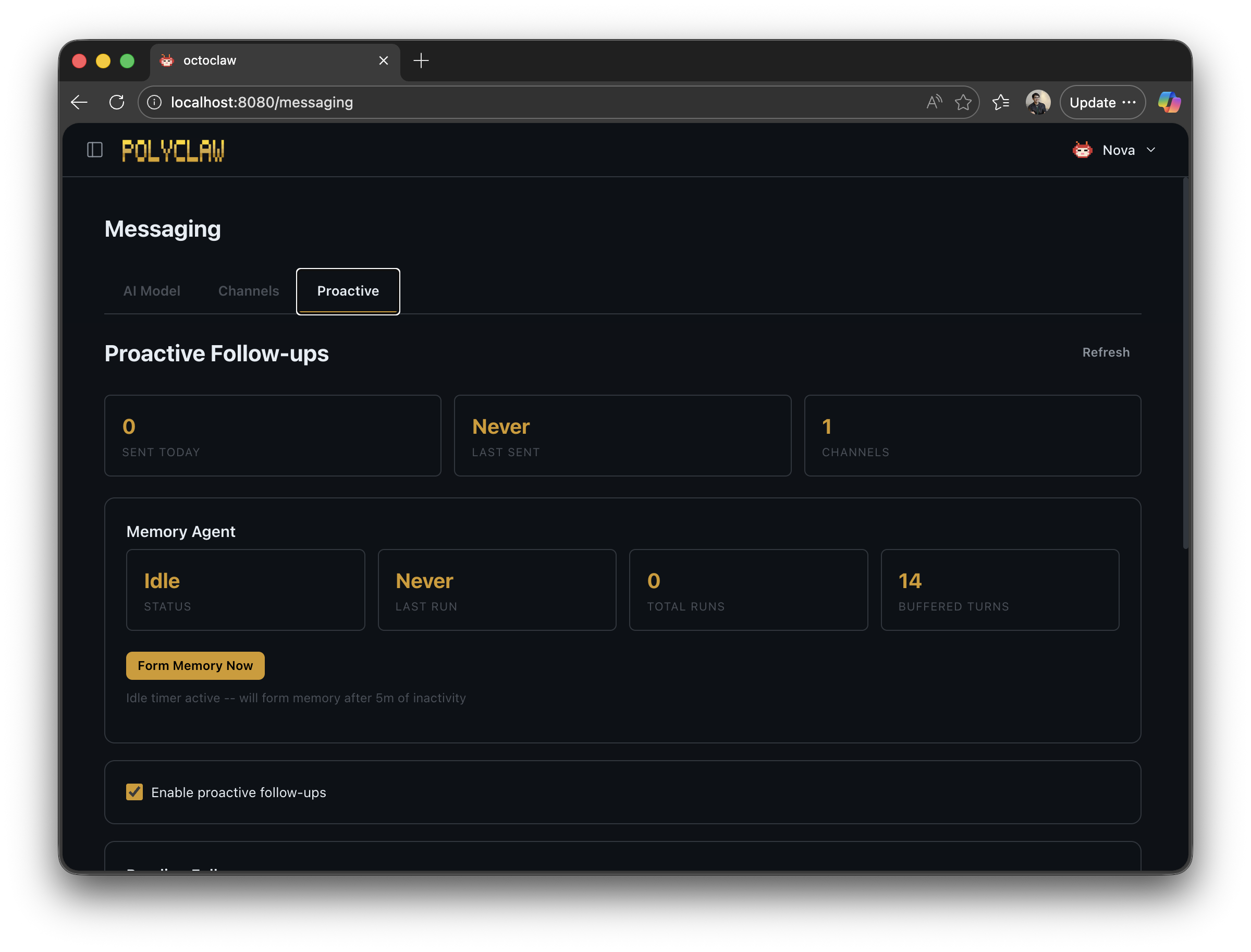
The agent workspace brings this concept to Polyclaw. Think of it as a personal OneDrive, but for your agent. Skills, memories, scripts, media — everything persists in one place. On Docker, it is a volume mount. On Azure Container Apps, it is an Azure Files share. Across reboots, across days, across weeks — the agent finds its files exactly where it left them.
All persistent state lives under a single configurable directory:
~/.polyclaw/
  SOUL.md                # Agent personality
  profile.json           # Agent profile and stats
  mcp_servers.json       # MCP server configuration
  scheduler.json         # Scheduled tasks
  sessions/              # Chat session archives
  media/                 # Incoming/outgoing files
  memory/                # Memory consolidation
  skills/                # User and plugin skills
  plugins/               # User-uploaded plugins
The SOUL.md file deserves a special mention. It is a human-readable Markdown file that defines the agent’s personality, communication style, and behavioral guidelines. It ships with every system prompt. You can open it, read it, edit it, make it your own. The agent’s identity is not hidden behind some opaque config flag — it is a file. Transparency by design.
Communicating Where You Live
How people communicate varies wildly across the world. Some use iMessage, others LINE, others WhatsApp. An agent that only lives in a browser tab is missing the point. It should meet you where you already are.
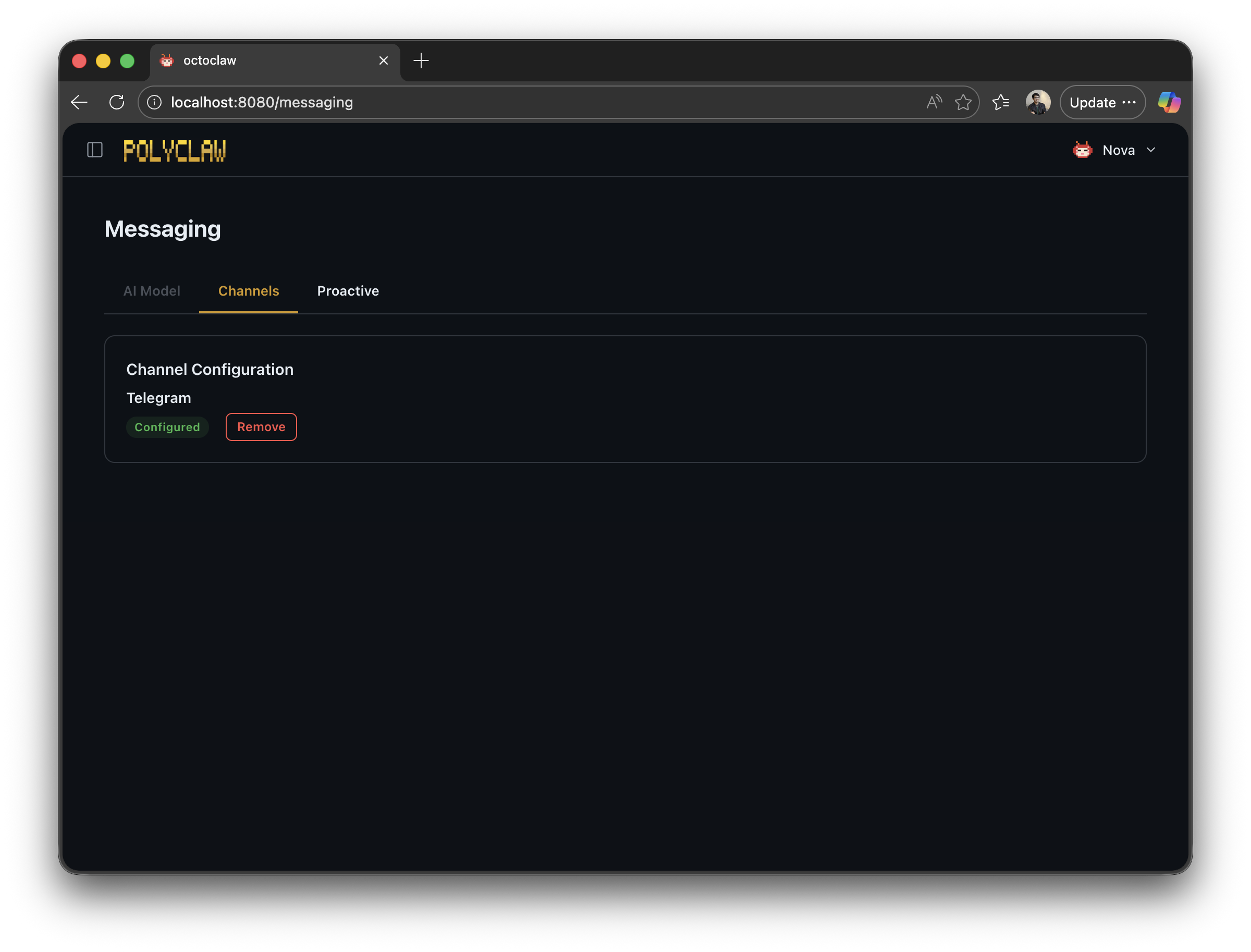
In the Microsoft ecosystem, Azure Bot Service makes this possible. It unifies channels — Telegram, Teams, LINE, and more — into a single API. Polyclaw currently has full Telegram support, with Teams planned next.
Beyond Bot Service, there is Azure Communication Services — the backbone for voice. Both the “Phone in the Loop” approval flow and the ability for the agent to call you and continue a conversation over realtime voice on your smartphone run through ACS.
The voice stack uses the OpenAI Realtime API for bidirectional speech. When the agent calls, a voice persona handles the conversation while delegating work back to the main agent — web searches, memory lookups, code execution. If you ask something that requires a search, the voice model hands it off, waits for the result, and relays the answer conversationally. It feels remarkably natural.
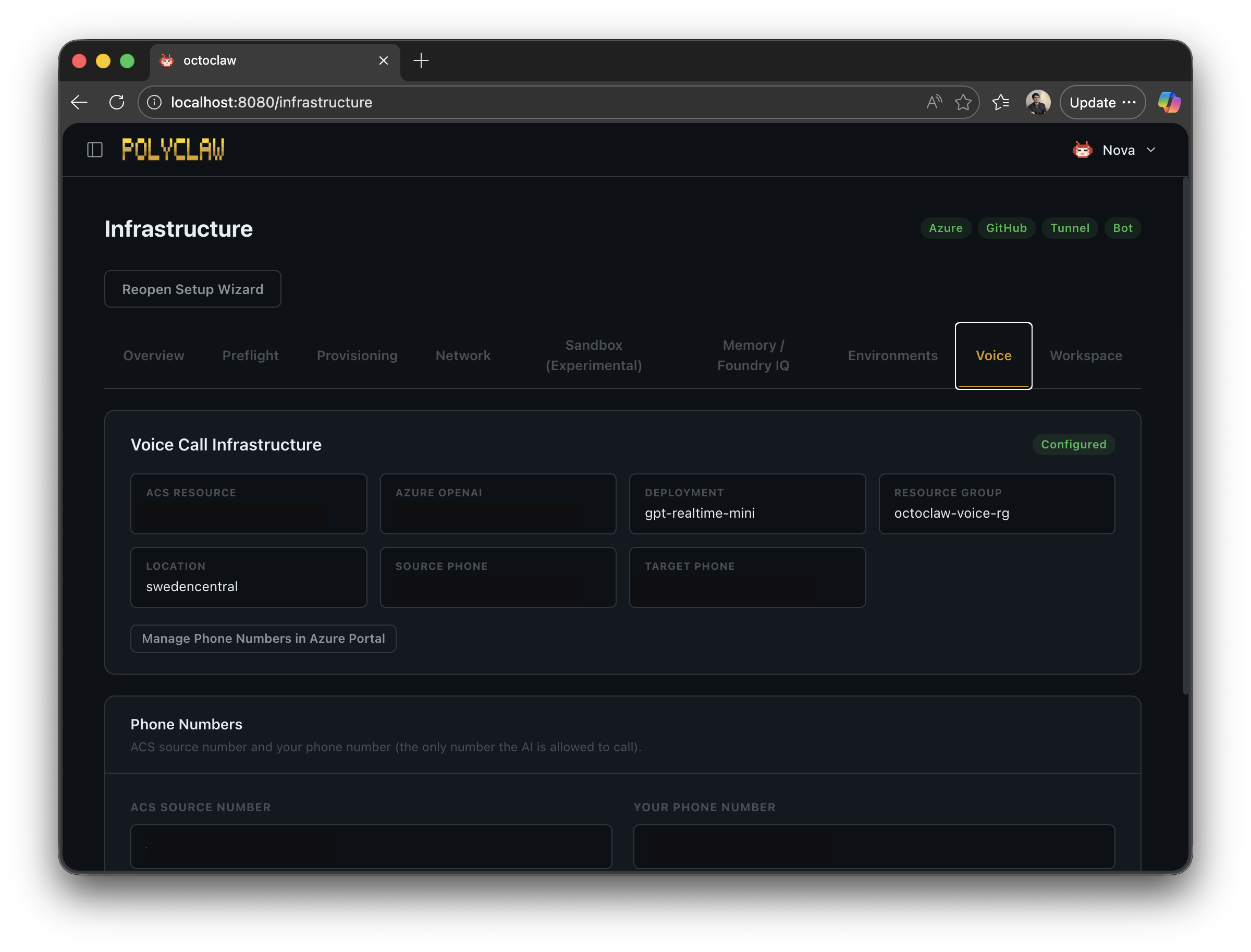
This turns voice into a powerful escalation channel. Text notification not enough? The agent calls. It gathers live input from you, feeds it back into whatever workflow triggered the call, and carries on.
The Harness
I mentioned earlier that I wanted to explore what a Microsoft AI-native experience looks like. So there is no custom orchestration framework under the hood. Every AI interaction runs through the GitHub Copilot SDK — a precise, streamlined interface for executing Copilot sessions with streaming, tool definitions, MCP server attachments, and model selection.
This is the harness that powers everything in Polyclaw. Scheduled background agents, memory consolidation, interactive chat, phone calls, Telegram conversations — all the same SDK. It lets you hook into tool calls, configure specific models, and compose sessions with exactly the capabilities you need.
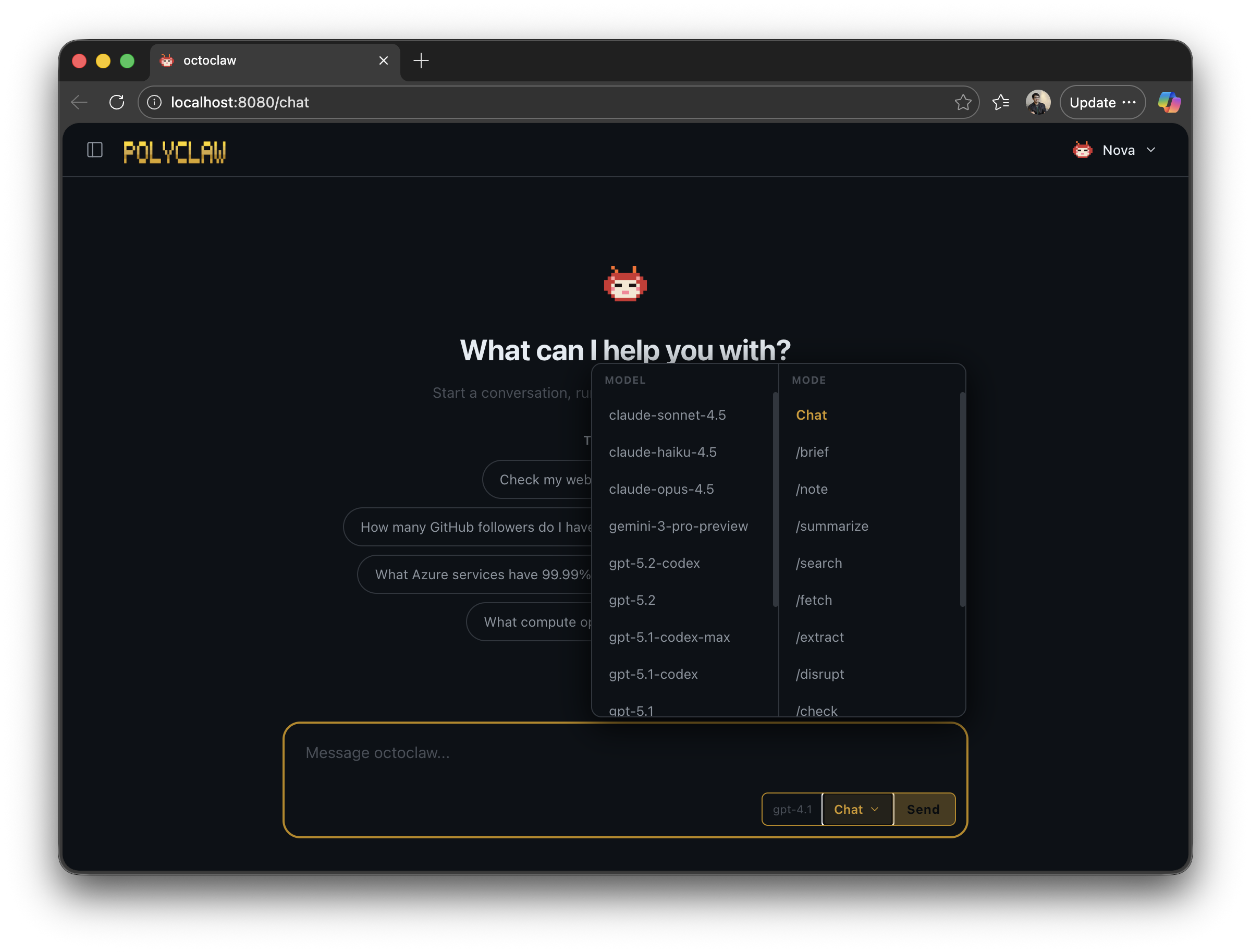
The default model is configurable and switchable at runtime via the dashboard model picker, slash commands, or API. Memory consolidation runs on a separate, lighter model — no reason to burn premium requests on background bookkeeping.
Getting Started
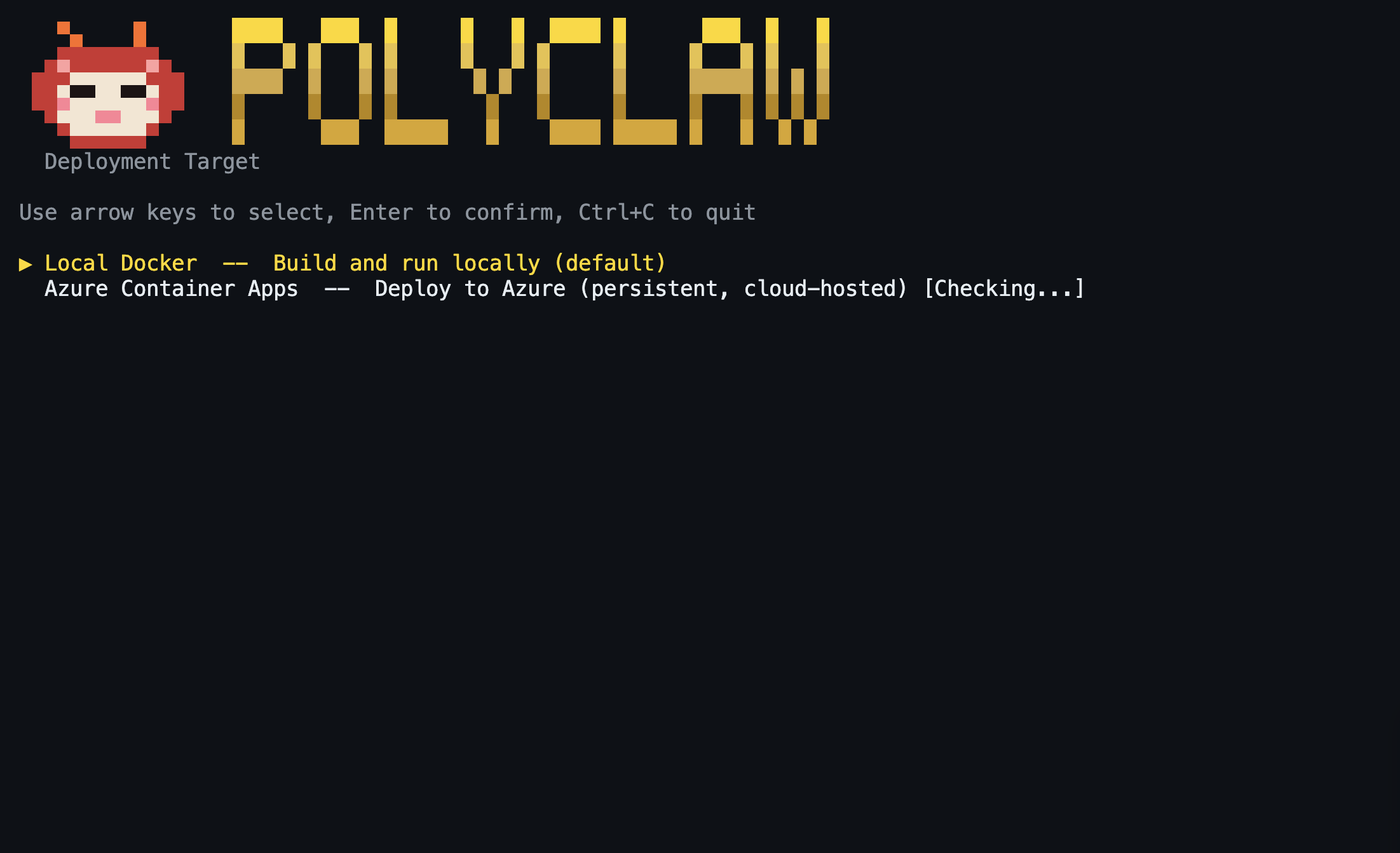
Polyclaw ships with an interactive Terminal UI that handles the entire setup. One entry point:
git clone https://github.com/aymenfurter/polyclaw.git
cd polyclaw
./scripts/run-tui.sh
The TUI walks you through building the image, deploying both containers, and drops you into a dashboard with live logs, chat, plugin management, scheduling, and more. Cloudflare tunnel, Playwright browser, and Bot Service are all provisioned automatically — zero manual configuration.
The project is MIT licensed: https://github.com/aymenfurter/polyclaw
Warning: Polyclaw is an autonomous agent. It can execute code, deploy infrastructure, send messages, and make phone calls. The agent runtime is architecturally separated from the admin plane and operates under its own Azure managed identity with least-privilege RBAC. Understand the risks before running it.
In the next article, I dive deeper into security and guardrails.
